How to Reject a Candidate Professionally Without Damaging the Candidate Experience
Learn how to write clear, respectful candidate rejection emails, adapt messages to each hiring stage and use AI-assisted drafting without removing human judgement.
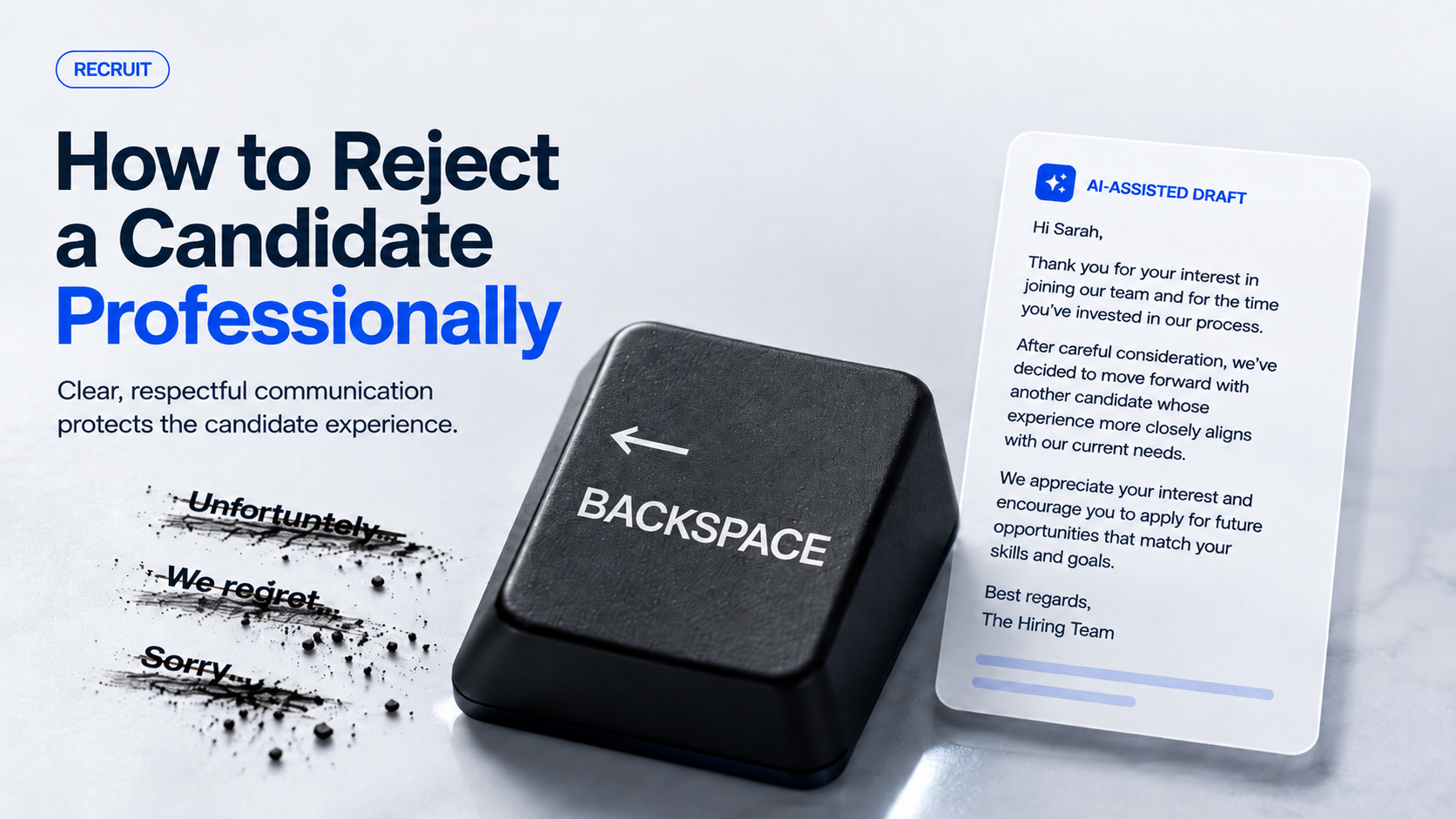
Hiring teams spend significant time deciding who should move forward.
But there is another part of recruitment that deserves just as much care:
How do you tell someone they were not selected?
A rejection message may be only a few sentences, yet it can become the final impression a candidate has of your organisation. A vague “Unfortunately…” template can feel dismissive. Silence is even worse. At the other extreme, over-explaining the decision can create confusion or unnecessary risk.
The goal is not to make rejection pleasant. It is to make it clear, respectful and professional.
What Should a Good Candidate Rejection Email Do?
A strong candidate rejection email should answer the candidate’s immediate question without making them search for the meaning.
They should quickly understand:
which position the message relates to;
that a hiring decision has been made;
whether they are progressing;
what happens next, if anything;
that their time and effort were recognised.
That does not require a long message.
Consider the difference between:
“Unfortunately, after careful consideration, we regret to inform you…”
and:
“Thank you for taking the time to interview for the Marketing Executive position. We have decided to move forward with another candidate for this role.”
The second version reaches the decision faster while still sounding professional.
Clear does not have to mean cold.
Use a Five-Part Structure for Candidate Rejection Messages
A repeatable structure can help recruitment teams communicate consistently without making every message sound robotic.
1. Start with context
Mention the candidate and the position.
For example:
“Thank you for speaking with our team about the Sales Manager position.”
This immediately tells the recipient what the email concerns.
2. State the decision clearly
Do not hide the result beneath several paragraphs.
A sentence such as:
“We have decided not to progress your application to the next stage.”
is straightforward and leaves little room for misunderstanding.
3. Recognise the candidate’s effort
The more effort the candidate invested, the more personalised the response should normally become.
Someone who submitted an application may need a concise acknowledgement. Someone who completed several interviews or an assessment deserves a more considered message.
4. Add feedback only when it is useful and supportable
Do not invent a reason just to make the email feel personalised.
If your hiring process has produced appropriate feedback that your organisation is comfortable sharing, keep it specific and constructive. Otherwise, a clear decision is better than vague or speculative criticism.
5. Close respectfully
A simple closing can be enough:
“Thank you again for your interest in the role, and we wish you well in your job search.”
The candidate should leave the interaction understanding what happened rather than decoding corporate language.
Why “Unfortunately…” Is Not the Real Problem
Words such as “unfortunately”, “we regret” and “sorry” are not automatically wrong.
The problem appears when they become substitutes for useful communication.
A rejection email that says:
“Unfortunately, we regret to inform you that after careful consideration…”
has already used many words without actually telling the candidate anything.
Instead, prioritise this order:
Context → Decision → Appreciation → Relevant next step
That structure is easier for the candidate to understand and easier for recruiters to use consistently.
The Message Should Change with the Hiring Stage
Not every unsuccessful candidate needs the same response.
For an early application-stage rejection, a short and respectful email may be appropriate.
After a screening conversation, acknowledge the conversation rather than sending the same generic application template.
After a formal interview, recognise the candidate’s time and the stage they reached.
After multiple interviews or assessments, a highly generic rejection can feel disproportionately impersonal.
This is why recruitment communication should remain connected to the candidate’s actual journey through the hiring pipeline.
Teams exploring more structured hiring workflows can also read our guide to AI-assisted candidate screening, which explains how technology can support recruitment while keeping human judgement at the centre.
Where AI-Assisted Drafting Can Help — and Where Humans Still Matter
AI-assisted drafting can be useful when recruiters repeatedly need to turn structured information into a professional first draft.
But the draft should be treated as a starting point, not an automatic send button.
Before sending a candidate communication, a person should check:
Is the candidate’s name correct?
Is the correct role mentioned?
Does the message match the candidate’s actual hiring stage?
Is any feedback factually supported?
Does the tone reflect how the organisation wants candidates to be treated?
AI can help with wording. The hiring team remains responsible for the decision, context and final communication.
This follows the same principle behind TrueValue Platform’s approach to AI-assisted hiring: technology should support recruiters rather than replace the judgement, empathy and accountability involved in hiring.
Recruitment Does Not End When You Choose the Winner
A hiring pipeline produces more than one outcome.
One candidate may receive an offer. Several others may receive a rejection. Another may remain relevant for a future opportunity.
A well-managed recruitment process should therefore consider communication across the entire candidate journey.
TrueValue Platform Recruit is designed around jobs, applicants and candidates, hiring pipelines, interviews, offers and successful-hire handoff. Verified AI-assisted capabilities also support screening and interview-related recruitment workflows.
For candidates who do join the organisation, the process moves into another important stage. Our employee onboarding checklist explains how teams can create a clearer transition from successful candidate to new employee.
Frequently Asked Questions
How long should a candidate rejection email be?
Usually only a few short paragraphs. Clarity, relevance and respectful wording matter more than length.
Should you give every rejected candidate feedback?
Not necessarily. Share feedback only when it is appropriate, useful and based on information your hiring process actually established.
Can AI write candidate rejection emails?
AI can assist with drafting and wording, but a recruiter should review the candidate, role, hiring stage, tone and factual accuracy before anything is sent.
Should rejected candidates be considered for future roles?
Where appropriate, recruitment teams may choose to maintain relationships with candidates whose experience could fit future opportunities. Do not promise future consideration unless your organisation genuinely intends to do so.
A “No” Is Still Part of Your Candidate Experience
Hiring teams naturally focus on the person receiving the offer.
Candidates who do not receive it still experienced your recruitment process.
A professional rejection does not require elaborate wording. It requires clarity, respect and enough context to close the conversation properly.
The hiring decision may already be made. How you communicate it is still a decision.
Want to explore a more structured approach to recruitment? Request a Demo to see how TrueValue Platform can fit your hiring workflow.
Related Articles & Insights
Continue exploring connected workflows, product playbooks, and strategic guides.
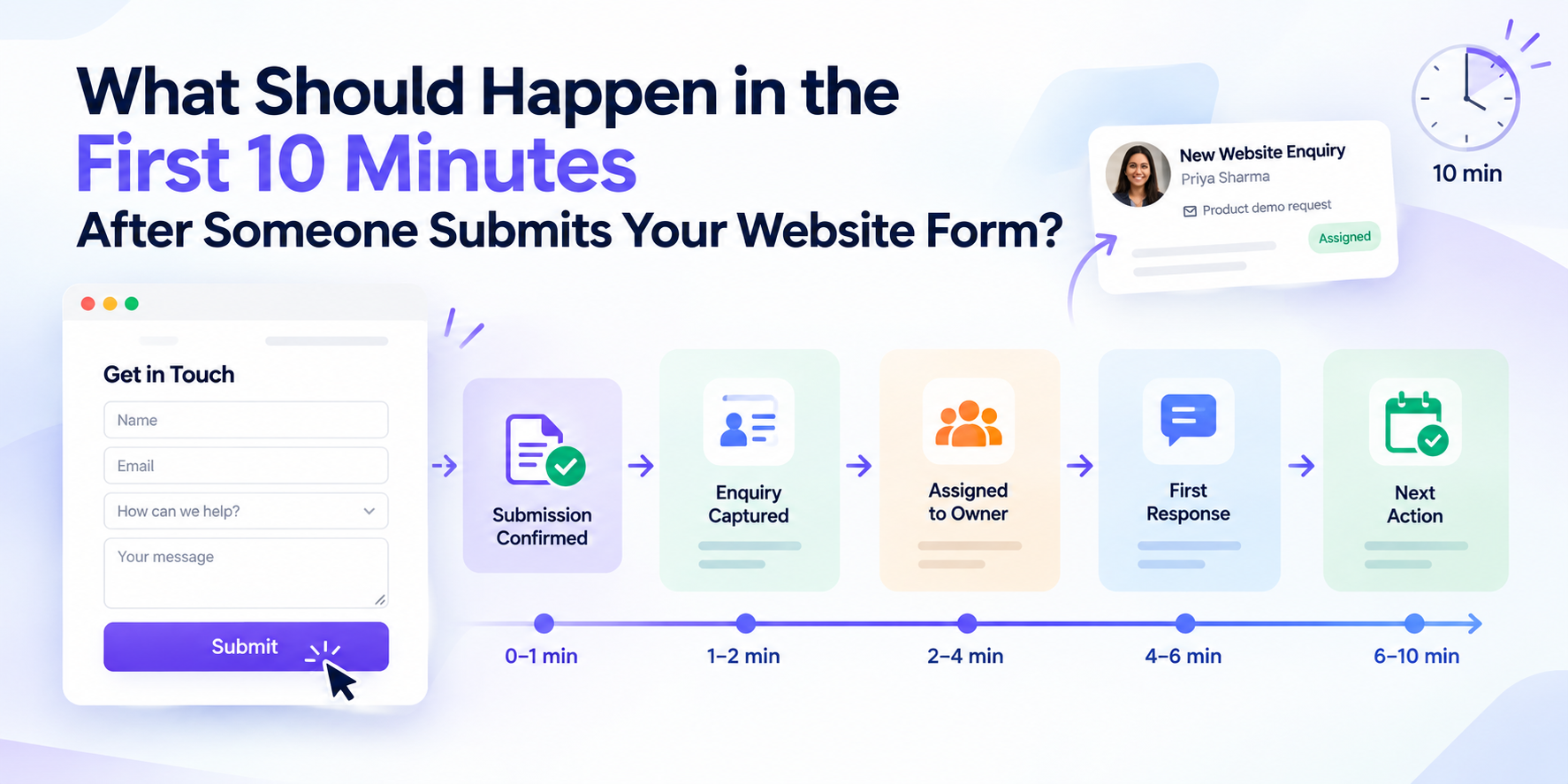
What Should Happen in the First 10 Minutes After Someone Submits Your Website Form?
A website form submission should trigger more than an email. See what should happen in the first 10 minutes—from confirmation and ownership to a meaningful response and clear next action.

Dashboard Sprawl in 2026: Why More Reporting Can Make Decisions Slower
More dashboards do not always create better decisions. Learn how dashboard sprawl creates reporting friction and how to move from visibility to action.

AI Agent Sprawl Is the Next Business Software Problem: How to Stay in Control in 2026
AI agents are multiplying across business workflows. Learn how to recognise agent sprawl and create clearer ownership, permissions, data and human oversight.