Booking Over Another Appointment? How Overlap Warnings Support Better Scheduling
Learn why appointment overlaps happen, how warning-and-override workflows support better decisions, and what teams should review before confirming a conflict.
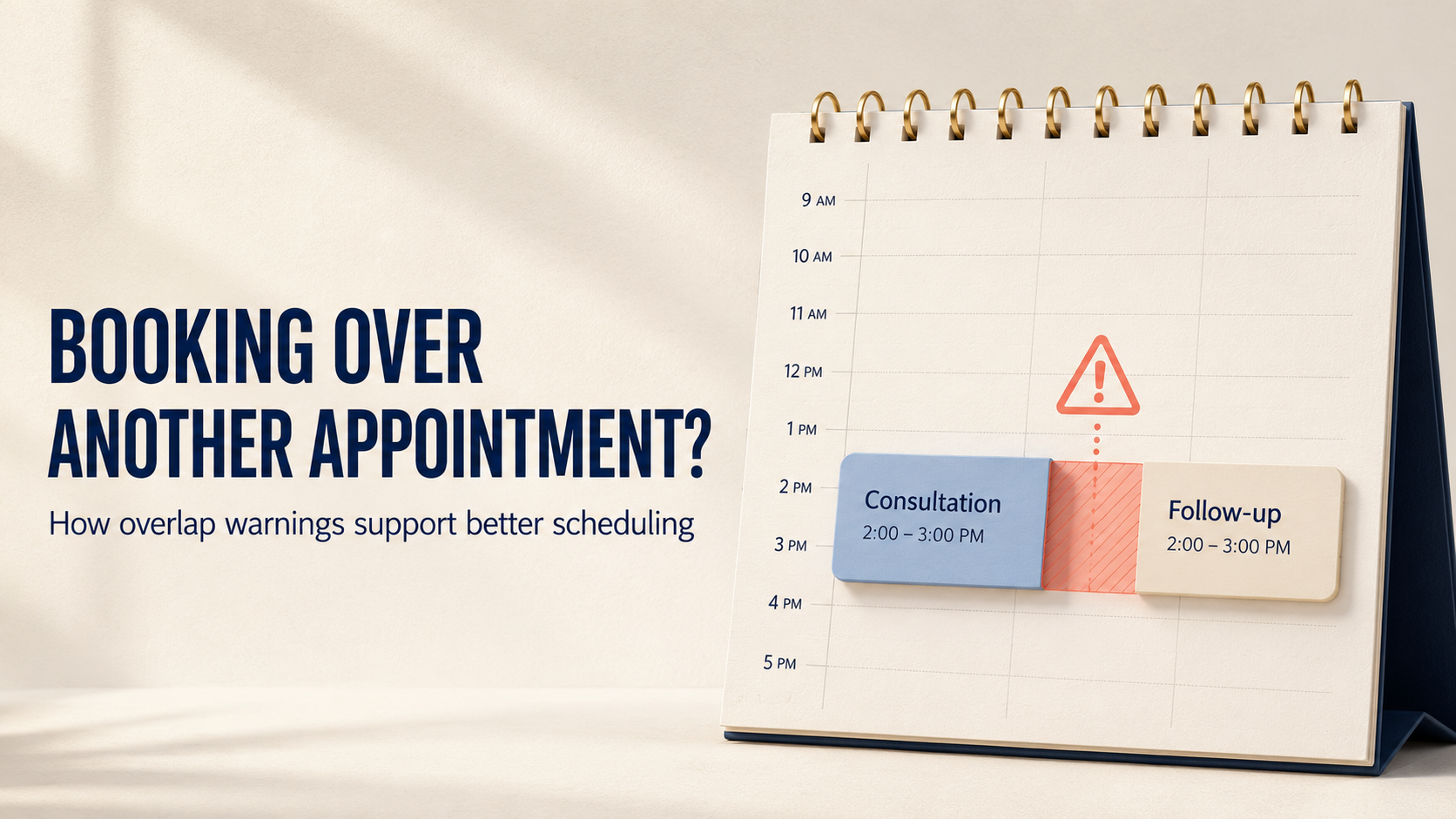
Double-booking often starts with an ordinary booking made during a busy day. A team member schedules a call, consultation or service visit without noticing that another appointment already occupies the same time. The conflict becomes visible only when someone cannot attend both.
The answer is not always to block every overlap. Some are mistakes; others may be intentional. A better process surfaces the conflict before confirmation and supports an informed decision.
Why appointment overlaps happen
Overlapping bookings are not always caused by carelessness. They often appear because the person booking the appointment does not have a complete view of the schedule.
Common causes include:
Two people booking the same host at nearly the same time
A meeting being moved while the original slot remains occupied
Bookings arriving through different channels
Back-to-back appointments extending into each other
The risk grows when a business manages several employees, locations or appointment types. This makes smart scheduling across multiple locations especially important.
Why a warning can be better than a silent booking
A silent booking lets the conflict pass unnoticed. The team only discovers it later, when someone checks the calendar manually or one of the appointments is about to begin.
A scheduling conflict warning can change the decision point by making the conflict visible before confirmation. Instead of allowing the booking to continue without context, it alerts the user before confirmation. The user can then review the existing appointment, compare the times and decide what should happen next.
This does not mean every overlap must be prohibited. A hard block can create unnecessary friction when an overlap is legitimate—for example, when another employee can handle one appointment or capacity exists for simultaneous bookings.
The useful workflow is:
Warn → Review → Decide
The warning supports awareness. The review supports judgement. The final decision stays with the authorised user.
What should be reviewed before overriding a conflict?
An override should be a conscious operational choice, not a reflex. Before continuing, the person making the booking should check:
Who owns both appointments? Check whether the same person or resource is required.
Do the times genuinely overlap? Review the start time, end time, duration and time zone.
Can one booking be reassigned or moved? A different host or small time change may resolve it.
Will the customer be affected? Avoid delays, rushed conversations and last-minute changes.
Is the override necessary? The exception should have a clear business reason.
This review matters because the calendar affects more than internal organisation. Clear appointment details, availability and confirmation also shape the customer’s booking experience.
When should the user go back?
Choose Go Back when:
The overlap is accidental
The same person must attend both appointments
The same room or resource is required
The conflict could affect a customer
Another suitable time is available
The user can then change the time, adjust the duration or select another host.
When might an override make sense?
Choose Override & Continue only after reviewing the conflict and confirming that the business can fulfil both commitments.
An override may be reasonable when different team members will handle the appointments, capacity exists for simultaneous bookings or an authorised manager has approved an exception.
Businesses should define who may override a warning and which checks must be completed first. Software can surface the decision, but the operating rule determines whether that decision is handled consistently.
How TrueValue Appointments fits the workflow
TrueValue Appointments supports structured appointment scheduling within TrueValue Platform.
In a conflict-warning workflow, the system can surface a potential overlap before confirmation, allowing the user to review the situation and decide the next action. The user can review the conflict, return to change the booking or intentionally continue when the overlap is acceptable.
The value is not that the system makes every scheduling decision automatically. It is that the conflict becomes visible while the user can still act. This supports a more controlled process without removing necessary human judgement.
Teams evaluating appointment scheduling software should look beyond placing events on a calendar. The system should help users recognise exceptions and act before a conflict reaches the customer.
Frequently asked questions
What is an appointment overlap warning?
It is an alert shown when a new appointment conflicts with another booking during the selected time period. Its purpose is to make the clash visible before confirmation.
Does an overlap warning prevent every double-booking?
Not necessarily. A warning-led workflow may allow an authorised user to continue after reviewing the conflict. This preserves flexibility for valid exceptions.
Is overriding an appointment conflict always a mistake?
No. An overlap may be acceptable when separate staff members or resources can fulfil both appointments. The user should confirm capacity and ownership before continuing.
What is the safest response to an accidental overlap?
Go back, compare both bookings and change the time, duration, host or resource before confirming the new appointment.
See the conflict before you book
Better scheduling is not only about filling available slots. It is about noticing conflicts early enough to protect team capacity and customer commitments.
An effective overlap workflow gives users a simple sequence:
See the warning → Review the context → Make a deliberate decision
To explore how Appointments can support a more structured scheduling process, request a TrueValue Platform demo.
Related Articles
View all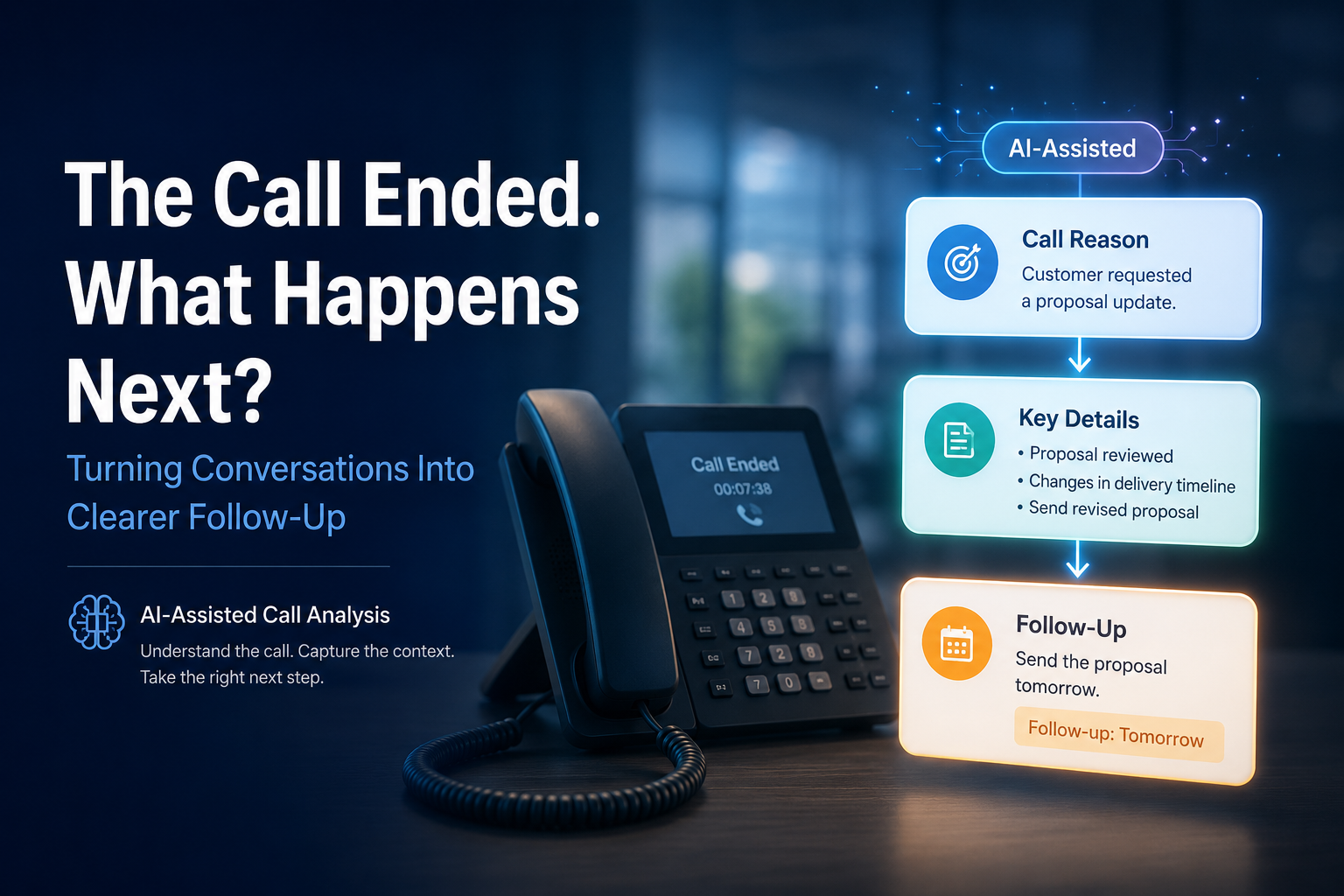
The Call Ended. What Happens Next? Turning Conversations Into Clear Follow-Up
A practical guide to turning completed business calls into clearer context by identifying the call reason, important details and the next follow-up action.
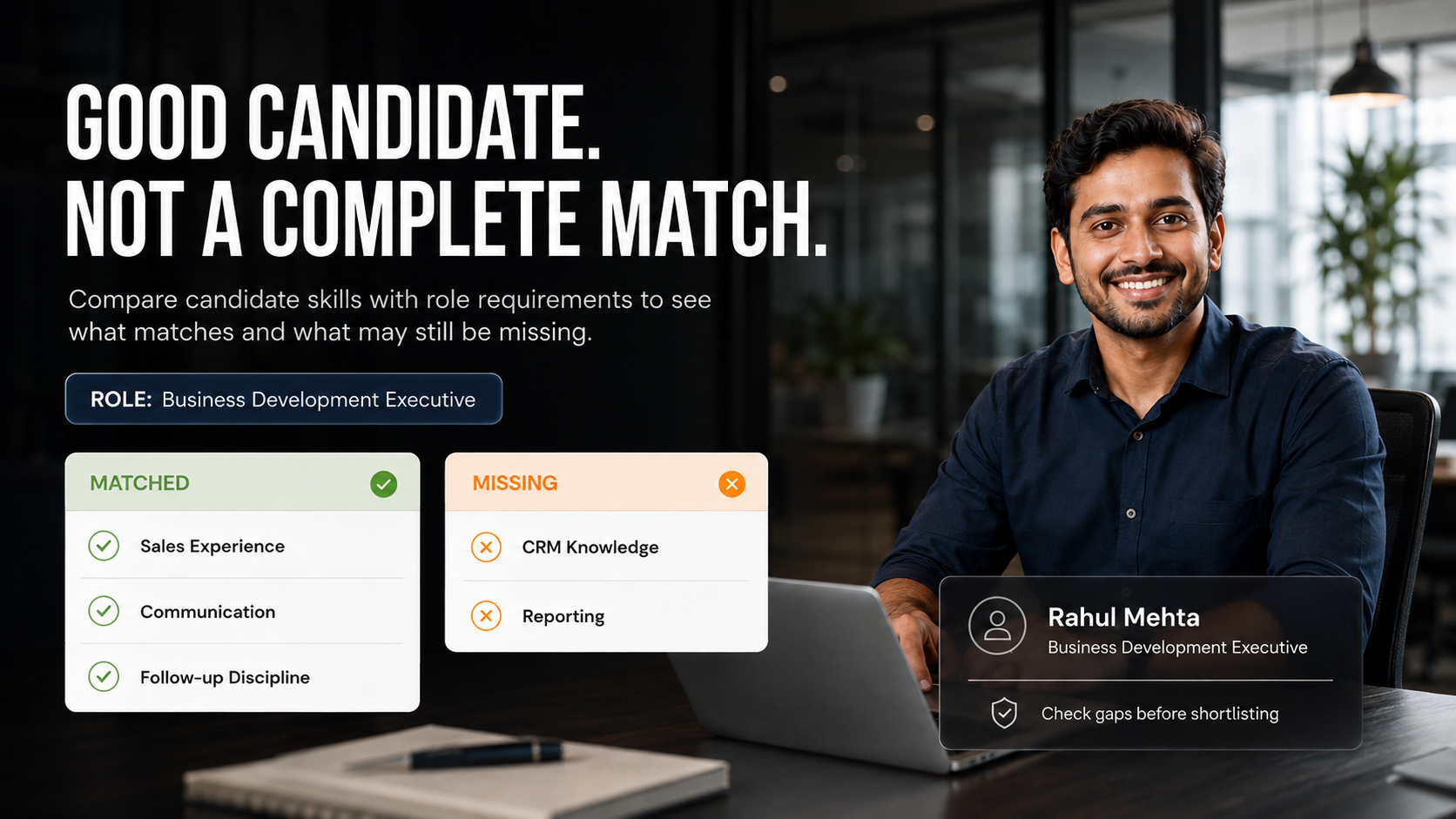
Good Candidate, Not a Complete Match: How to Compare Skills Before Shortlisting
A practical guide to comparing candidate skills with role requirements, identifying genuine gaps and turning unclear areas into better shortlisting and interview decisions.
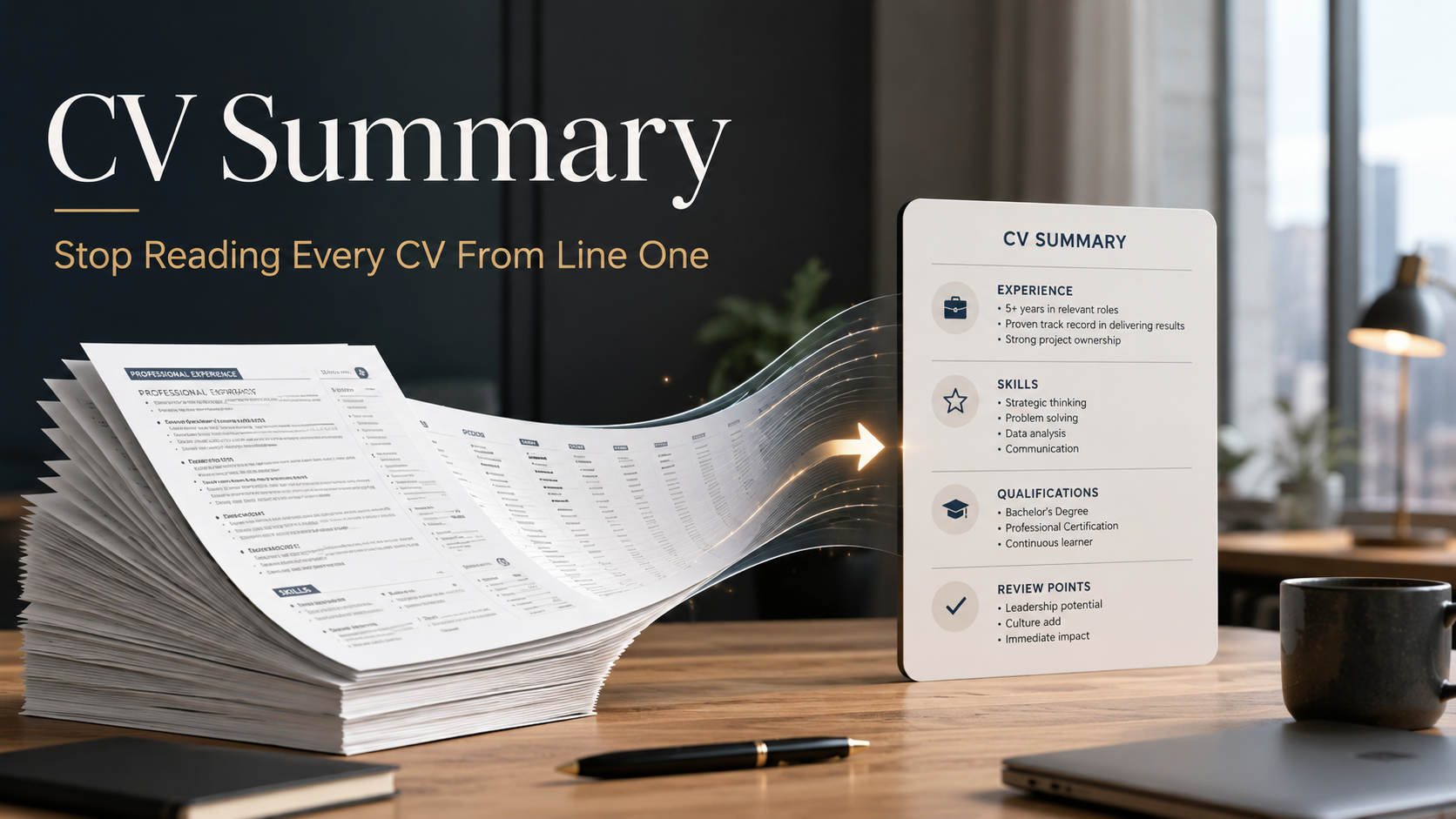
CV Summary: Stop Reading Every CV From Line One
Learn how structured CV summaries can help recruiters identify relevant experience, skills and review points faster while keeping verification and human judgement central to hiring.