The Real AI Transformation Is Workflow Redesign — Not Just Adding Another Tool
Adding AI to an old workflow does not automatically transform work. Learn a practical five-step method for redesigning processes around people, ownership and AI.

A company buys an AI tool.
Employees start using it to draft emails, summarise meetings, analyse documents and answer questions faster.
Six months later, something feels strange.
People are completing individual tasks faster, but the same problems remain: approvals still wait in inboxes, work still moves manually between teams, ownership is unclear, information is copied between systems and managers still chase updates.
The AI worked.
The workflow did not change.
That gap is becoming one of the most important business questions around AI in 2026.
Microsoft’s 2026 Work Trend Index, based on a survey of 20,000 people using AI at work across 10 countries, found that organisational factors such as culture, manager support and talent practices were associated with more than twice the reported AI impact of individual factors alone.
The lesson is bigger than choosing the right AI tool.
Businesses need to rethink how work actually moves.
Adding AI to a Broken Workflow Can Leave the Real Problem Untouched
Consider a simple internal approval process.
An employee prepares a request.
They email their manager.
The manager asks Finance a question.
Finance sends a spreadsheet.
The manager replies to the employee.
The employee updates another system.
Someone then creates a task for the next department.
Now add AI.
AI can draft the original email faster. It can summarise Finance’s response. It may even help interpret the spreadsheet.
Useful? Absolutely.
But the workflow still contains multiple hand-offs, disconnected information and unclear waiting points.
That is the difference between AI adoption and workflow redesign.
Adoption asks:
“Where can we add AI?”
Redesign asks:
“Why does this work happen this way in the first place?”
Microsoft describes a similar challenge as the “Transformation Paradox”: 65% of the AI users it surveyed said they feared falling behind if they did not adapt quickly, yet 45% said it felt safer to focus on current goals than redesign how work gets done with AI.
Buying technology is often easier than questioning an existing process.
But the second question may create more lasting value.
Start With the Outcome, Not the AI Tool
Before deciding where AI belongs, define what the workflow is trying to achieve.
For example:
A poor workflow-design question is:
“Where can we use an AI agent in employee onboarding?”
A better question is:
“What must happen between a candidate accepting an offer and the employee being ready for their first day?”
Now the team can map the actual work:
Offer confirmed → employee information prepared → equipment requested → access arranged → manager notified → first-day schedule prepared → onboarding responsibilities assigned.
Once the workflow is visible, you can decide where technology helps.
Some steps need human judgement.
Some need a clear owner.
Some can be standardised.
Some may eventually be suitable for AI assistance.
Some may not need to exist at all.
For teams reviewing this process, a practical employee onboarding checklist can help expose the owners, deadlines and hand-offs hidden inside what initially looks like one simple HR activity.
A Practical Five-Step Workflow Redesign Method
You do not need to rebuild an entire organisation at once.
Start with one recurring workflow and use this sequence.
1. Map
Write down what really happens today.
Do not document what the process is supposed to be.
Document what employees actually do: the emails, chats, spreadsheets, approvals, follow-ups, software changes and manual copying.
2. Remove
Look for steps that exist only because two systems or teams are disconnected.
Ask:
Why is this information entered twice?
Why does this need another approval?
Why does someone manually send this update?
Why does a manager have to ask for the status?
Why are we moving the same information between several places?
Not every step can be removed, but every step should have a reason.
3. Assign
Every important action needs understandable ownership.
“Marketing will do it” is not ownership.
“Someone from HR will check” is not ownership.
A workflow becomes easier to operate when people can see who owns the next action, what outcome is expected and when it needs attention.
Our guide on why unclear task ownership delays work explains why simply discussing work is different from assigning responsibility for it.
4. Decide the Human–AI Boundary
Only now ask where AI belongs.
AI may be useful for drafting, summarising, classifying, researching or preparing information.
A person may still need to approve a sensitive decision, handle an exception, speak with a customer or employee, set priorities or judge whether the output makes sense.
Microsoft’s 2026 research frames this shift as leaders “rearchitecting work” by deciding what humans and AI should each do rather than simply introducing AI everywhere.
The goal is not maximum automation.
The goal is a better-designed workflow.
5. Measure the Workflow, Not Just AI Usage
“500 AI prompts this month” does not tell you whether the business process improved.
Instead, ask operational questions:
How long does the workflow take?
Where does work wait?
How often is information entered twice?
How often does somebody need to chase an update?
Where do mistakes or rework appear?
Which decisions still lack enough context?
Those answers tell you whether the redesigned process is actually becoming easier to operate.
Connected Software Matters More When Work Crosses Teams
Workflow redesign also exposes a common software problem: companies often have plenty of tools, but each one supports only one part of the journey.
HR works in one system.
Tasks live somewhere else.
Customer activity sits in another.
Important updates move through email or chat.
Each tool may work perfectly on its own while the overall process remains fragmented.
That is why evaluating software around complete workflows can be more useful than comparing isolated Feature lists. This TrueValue guide explores how disconnected business tools create workflow friction and where repeated data entry and manual hand-offs often appear.
TrueValue Platform follows a connected-business-operations approach. Task and HR are launched Products within its public Product ecosystem, alongside CRM, Appointments, Marketing, Site Flow, PBX and Recruit.
Teams can explore the TrueValue Product ecosystem while reviewing which workflows create the most operational friction.
The important point is to begin with the business process—not with a list of software Features.
Frequently Asked Questions
What is AI workflow redesign?
AI workflow redesign means examining an existing business process and deciding how work, responsibilities, information, human judgement and AI should interact instead of simply inserting AI into the existing process.
Should every workflow use AI?
No. Some workflows may benefit from AI assistance, while others primarily need clearer ownership, fewer hand-offs or better information flow.
Where should a business start?
Choose one frequent workflow with visible friction. Map every step, identify waiting points and repeated work, clarify ownership and only then evaluate where AI could help.
Does workflow redesign mean removing people?
Not necessarily. Redesign often changes what people spend time on. Routine preparation may decrease while judgement, exception handling, communication and decision-making become more important.
The Bigger AI Question Is Not “Which Tool?”
Microsoft reports that active agents in the Microsoft 365 ecosystem increased 15-fold year over year, showing how quickly agent use is expanding within that environment.
But more AI does not automatically mean better operations.
A business can have sophisticated AI running inside a process that still contains unclear ownership, unnecessary approvals, fragmented information and manual hand-offs.
So before adding the next tool, map the work.
Find the friction.
Remove unnecessary steps.
Clarify responsibility.
Decide where human judgement matters.
Then decide where AI belongs.
That is when AI stops being another piece of software and starts becoming part of a better way of working.
If your organisation is reviewing its Task, HR or wider connected business workflows, Request a Demo of TrueValue Platform.
Related Articles & Insights
Continue exploring connected workflows, product playbooks, and strategic guides.
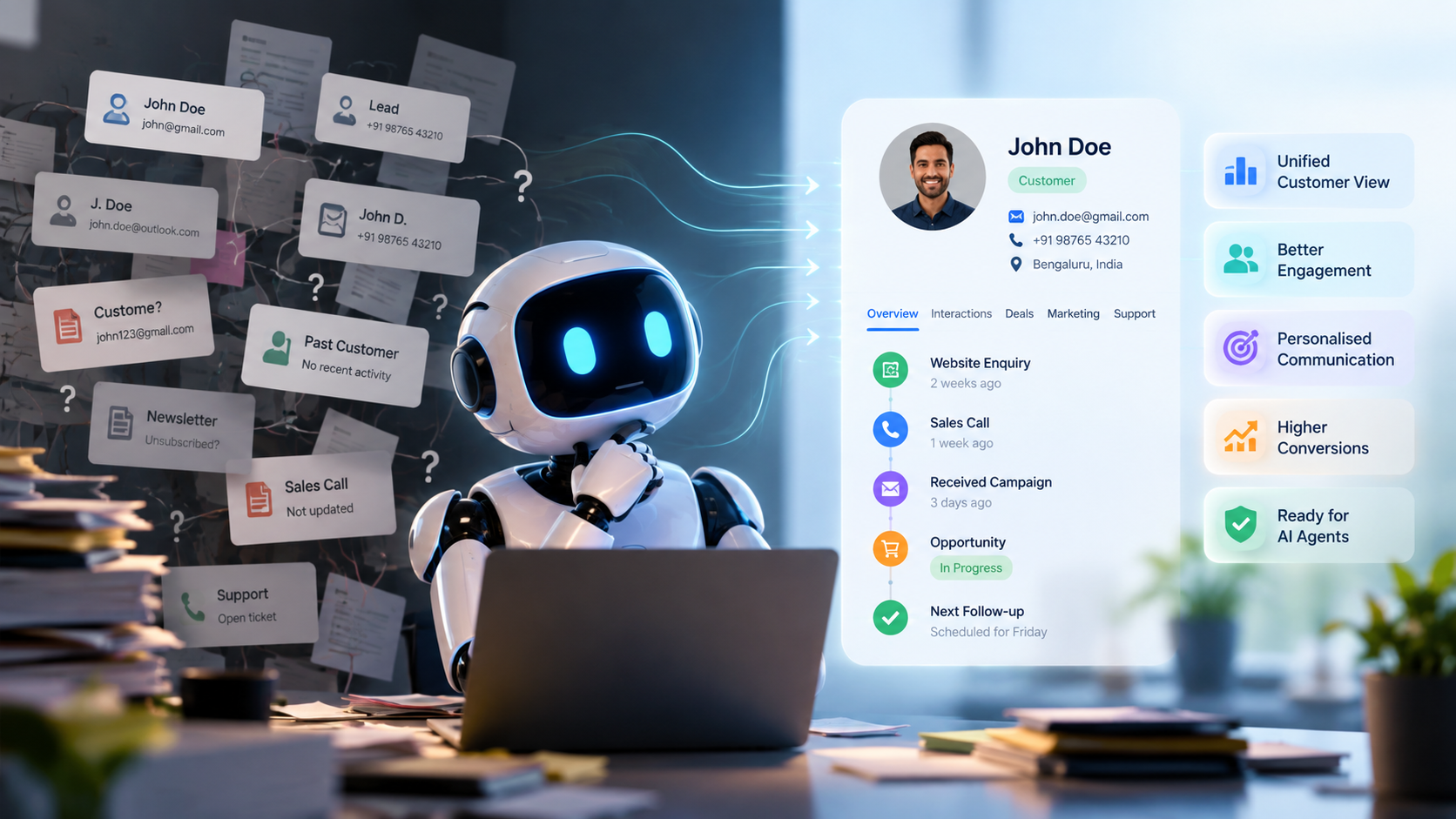
AI Agents Are Everywhere. But Is Your Customer Data Ready for Them?
AI agents depend on the customer information behind them. Learn how data quality, CRM structure and connected customer context can prepare businesses for AI.

A Full CRM Is Not a Clear CRM: 4 Details That Keep Follow-Ups Moving
A CRM can hold plenty of customer data and still be difficult to act on. Learn how four simple details can make deal ownership, reviews and follow-ups clearer.
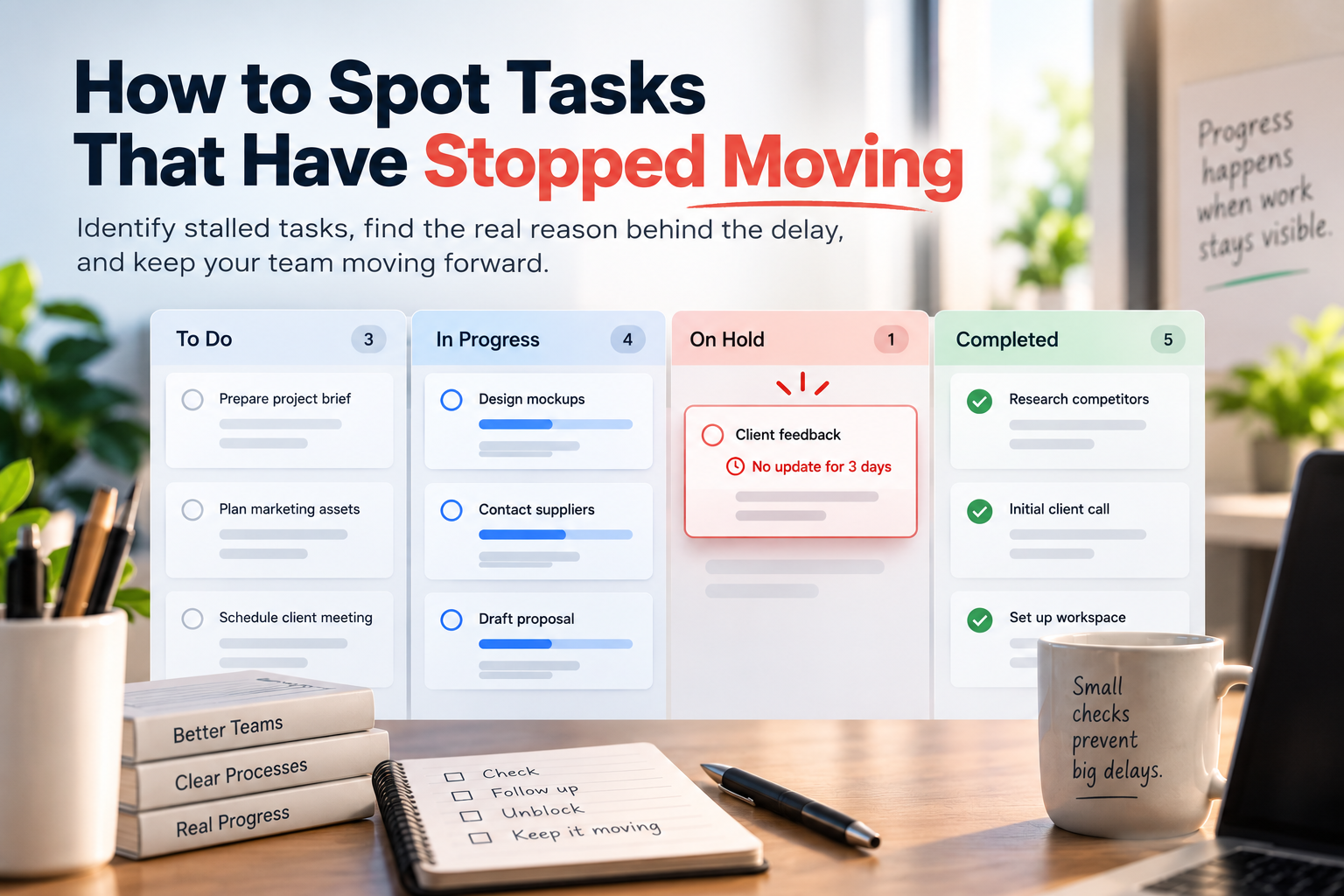
When a Task Hasn’t Moved, Someone Needs to Notice
Learn how to identify tasks that have quietly stopped progressing, distinguish inactivity from overdue work and create a practical review process for stalled tasks.