Candidate A or Candidate B? How to Compare Candidates Without Losing Context
Learn how to compare two candidates against the same role context, separate evidence from uncertainty and turn unclear information into better hiring questions.
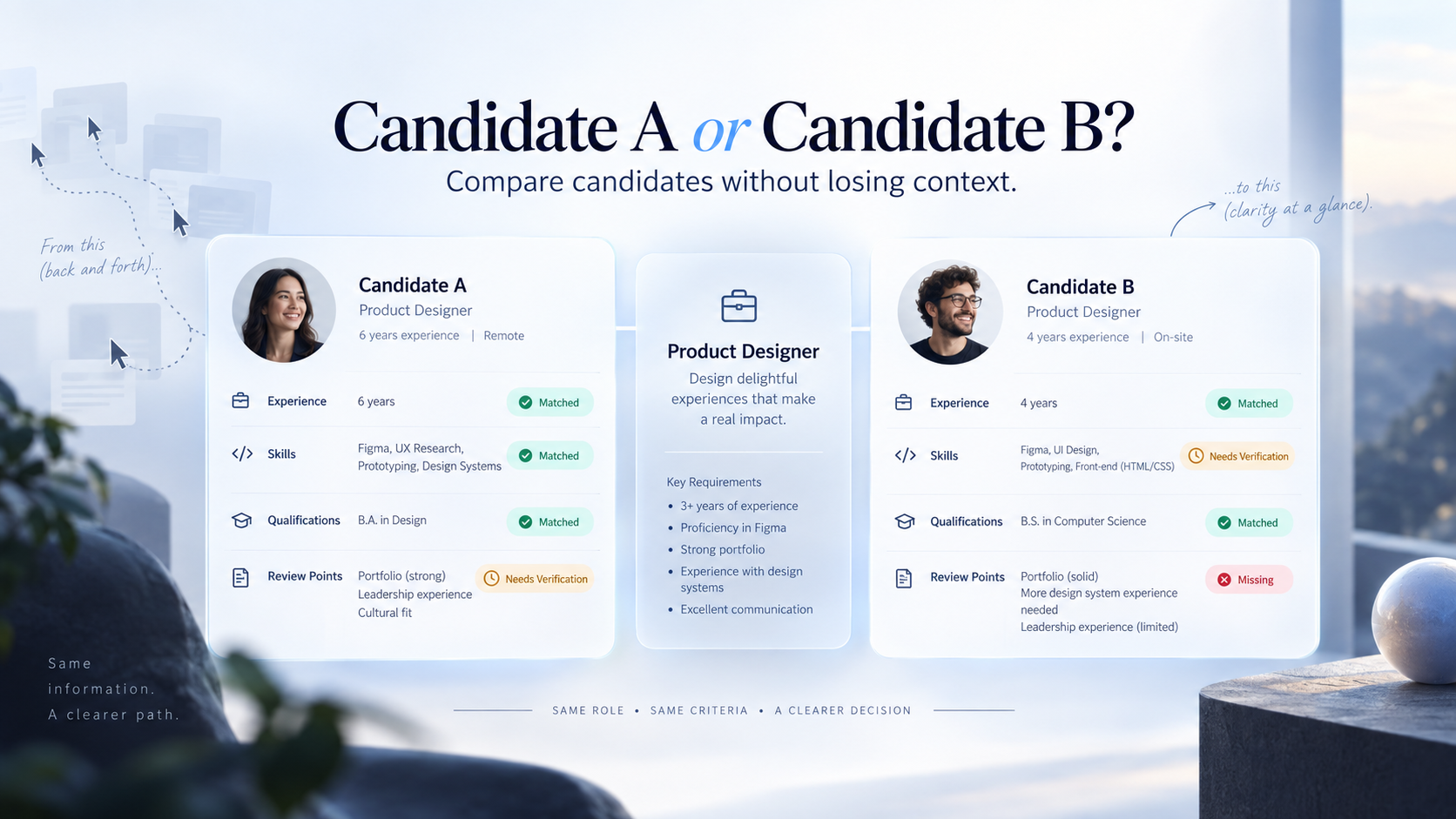
Comparing two candidates becomes harder when their information sits in different places. You open Candidate A, switch to Candidate B, then return to check a qualification or skill. The problem is not missing information. It is separated context.
A stronger process keeps both candidates anchored to the same role and reviews the same evidence categories in the same order. That makes differences easier to see and unclear points easier to verify.
Why switching between profiles weakens comparison
Recruiters usually balance experience, skills, qualifications and role-specific questions at once. When those details appear in separate layouts, part of the comparison depends on memory. Candidate A may describe a capability in work history while Candidate B lists it under skills. A consistent structure keeps the focus on evidence rather than CV presentation.
A structured CV summary can make first-stage review easier. Once two people are being considered for the same vacancy, however, the next step is to compare them against the same role context rather than reading each profile as an isolated story.
Compare the same information against the same role
A useful side-by-side comparison starts with one central reference: the job.
Instead of asking, “Which candidate looks stronger overall?”, compare role-relevant categories such as:
Experience: What work has each candidate actually done that relates to the vacancy?
Skills: Which required or preferred capabilities are supported by evidence?
Qualifications: Are relevant education, licences or certifications present where required?
Review points: What important detail is unclear, missing or worth testing in the next conversation?
The same categories should appear for both candidates. Our guide on comparing candidate skills before shortlisting explains why a missing keyword should not automatically be treated as a missing capability.
Use three evidence states: matched, needs verification and missing
Candidate comparison becomes more useful when uncertainty is visible.
A practical three-state method is:
Matched — there is relevant evidence supporting the requirement.
Needs verification — the candidate may have the capability, but the available information is too vague to rely on yet.
Missing — no meaningful evidence is currently available for a role-relevant requirement.
The middle category prevents false certainty. A candidate should not be rejected because an important capability was described poorly, nor shortlisted because a skill was mentioned without support.
“Needs verification” turns uncertainty into an action. If Candidate A lists leadership but gives no scope, ask what they led. If Candidate B mentions reporting without examples, ask what they prepared and how it was used.
A simple Candidate A vs Candidate B review process
A comparison does not need dozens of fields. It needs a repeatable sequence:
Confirm the role context. Identify the genuine must-have and preferred requirements.
Use the same categories for both candidates. Start with experience, skills, qualifications and review points.
Separate evidence from assumptions. Mark what is matched, what needs verification and what appears missing.
Identify meaningful differences. Focus on differences that affect the role, not differences in CV style.
Turn unclear points into interview questions. A good comparison should improve the next conversation.
Keep the final decision human. Candidate information supports judgement; it should not become an automatic winner-selection mechanism.
The better question is: “What do we know about each person in relation to this job, and what still needs to be checked?”
Where TrueValue Platform Recruit fits
TrueValue Platform Recruit is a launched Product for managing jobs, candidates, hiring pipelines, interviews, offers and successful-hire handoff. Within a structured recruitment workflow, candidate information should stay connected to the role and the stages where recruiters need to review it.
The useful decision model remains simple:
Compare → Verify → Decide
Compare the same information. Verify what is unclear. Then let the appropriate people make the hiring decision with the full context available.
Frequently asked questions
Should two candidates be compared using exactly the same criteria?
Use the same job-related categories and requirements for both candidates, while allowing for different career paths and types of evidence. Consistency should improve clarity, not force every candidate into an identical profile.
Is “missing” the same as “not qualified”?
No. Missing means the available information does not show the evidence you need. If the requirement matters, verify it before drawing a conclusion where practical.
Can software choose Candidate A or Candidate B automatically?
Important hiring decisions should remain with people. Software can help organise information and support review, but recruiters and hiring managers should evaluate evidence, context and role requirements before deciding.
Make the comparison clearer, not more complicated
Better candidate comparison is not about adding more data. It is about putting the right information into the same context.
When Candidate A and Candidate B are reviewed against the same role, using the same evidence categories, recruiters can identify meaningful differences without relying on memory or jumping between unrelated layouts.
The process is simple: compare consistently, verify uncertainty and keep people responsible for the final decision.
Request a Demo to explore how TrueValue Platform Recruit can support a more organised recruitment workflow.
Related Articles
View all
Employee A Has 12 Tasks. Employee B Has 3. What Does That Tell You?
Employee A has 12 tasks while Employee B has 3. Learn why workload balance requires more than equal task counts and how to review, prioritise and redistribute work.

They Replied to Your WhatsApp Campaign. Where Did the Lead Go?
Learn why WhatsApp campaign replies get lost, what information a lead-capture workflow should preserve and how Marketing and CRM can support clearer follow-up.
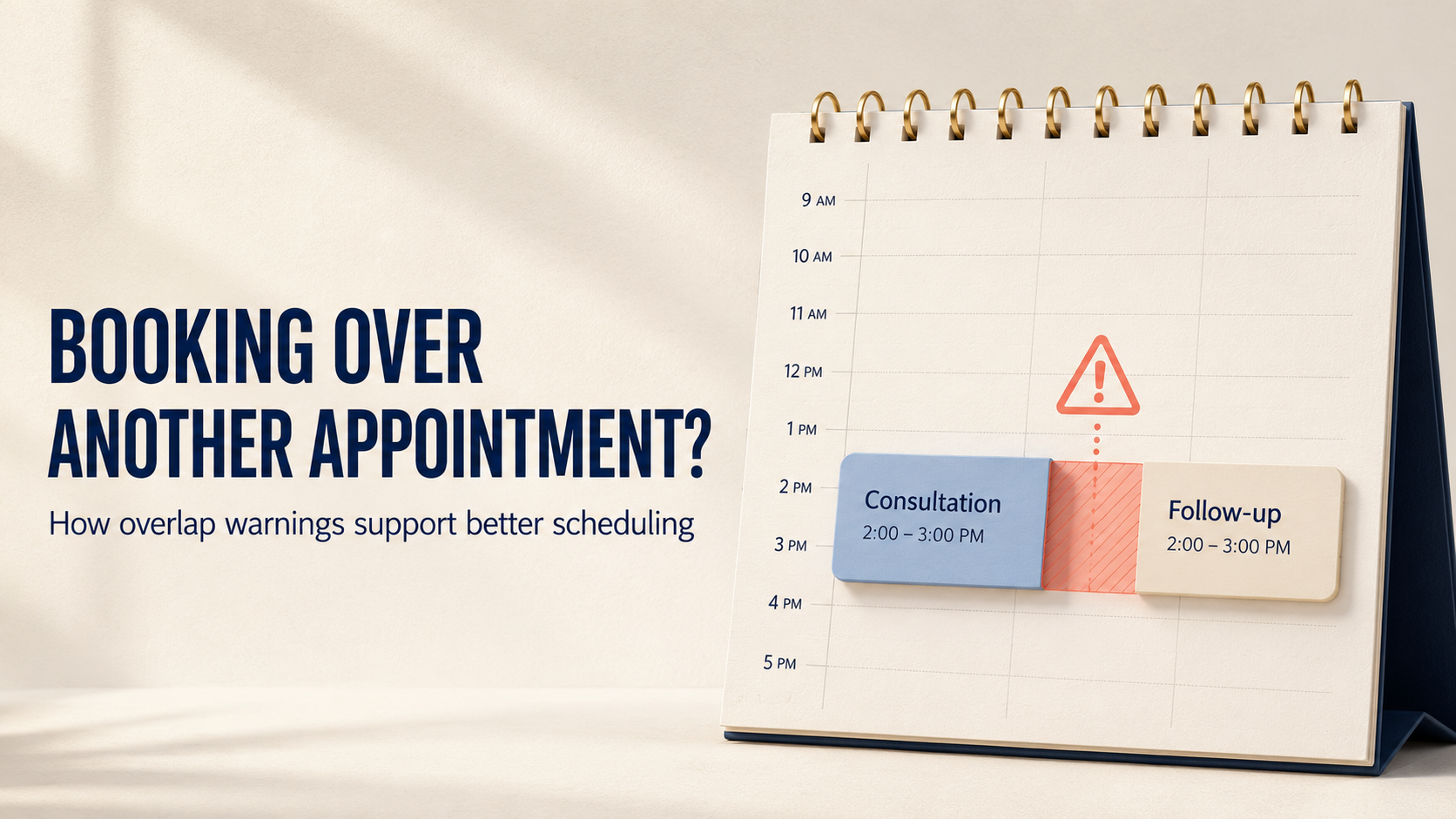
Booking Over Another Appointment? How Overlap Warnings Support Better Scheduling
Learn why appointment overlaps happen, how warning-and-override workflows support better decisions, and what teams should review before confirming a conflict.